
How to Merge Multiple PDFs into One File (Free)
MJ ToolNest Team · 7/13/2026 · 1 min read
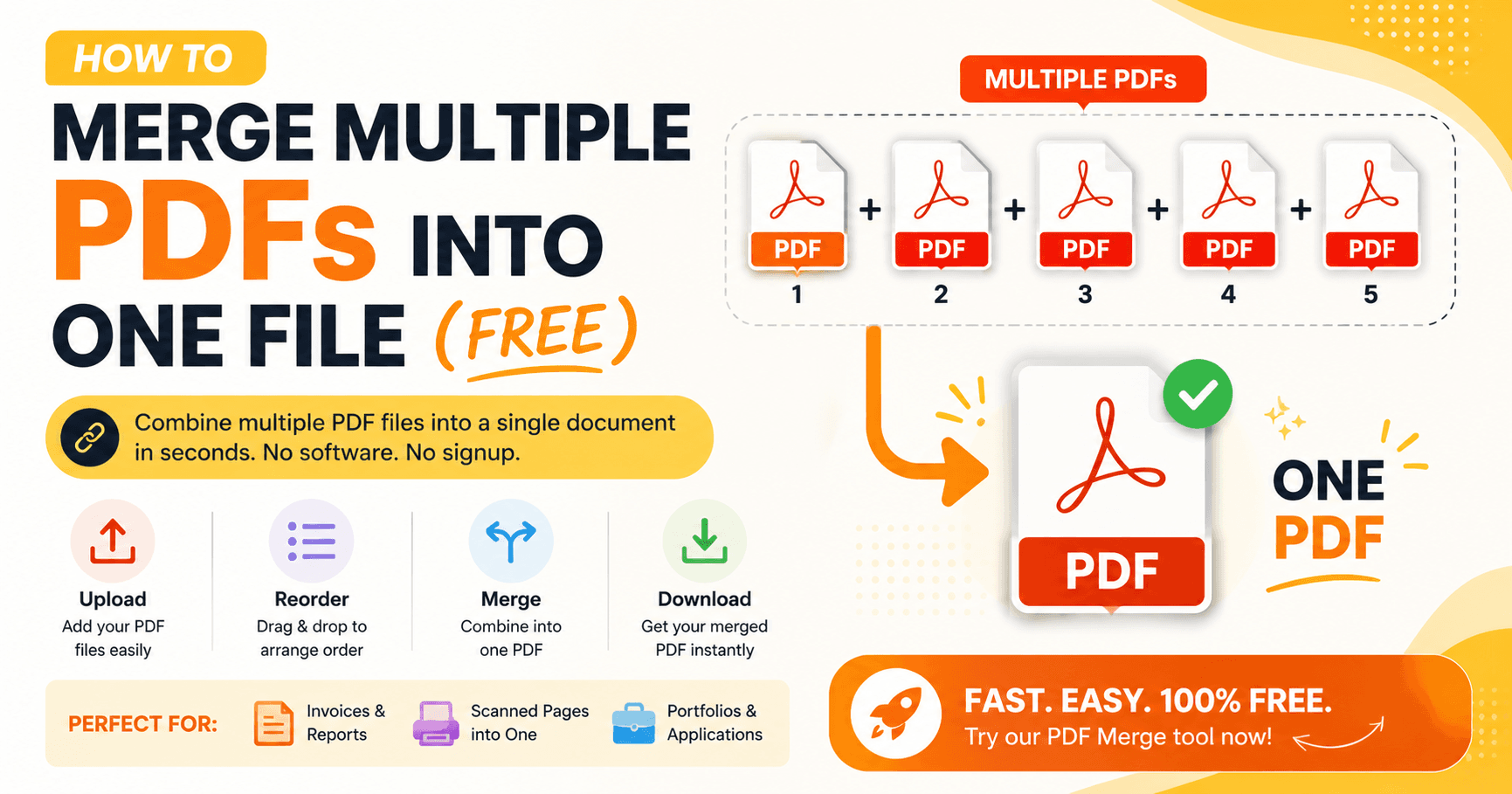
If you've ever needed to send someone five separate PDFs when one combined file would've been easier, this guide is for you.
Why merge PDFs instead of sending them separately
Sending multiple files makes it easy for the recipient to lose track of order, miss attachments, or open things out of sequence. A single merged PDF keeps everything organized and professional — especially useful for invoices, reports, or application documents.
How to merge PDFs step by step
- Go to our PDF Merge tool
- Upload the PDF files you want to combine
- Drag to reorder them if needed
- Click merge and download your combined file
When you'd need this
- Combining multiple scanned pages into one document
- Merging invoices or reports for a monthly summary
- Putting together a portfolio or application packet from separate files
Things to check after merging
Always open the final file and skim through it once. Page order and orientation can sometimes shift when combining files from different sources.
Try it now with our free PDF Merge tool — no signup, no watermark.
Ready to try it? Use the tool now →
Related articles