
image
Best Image Format for Websites: JPG vs PNG vs WebP
MJ ToolNest Team · 7/15/2026 · 1 min read
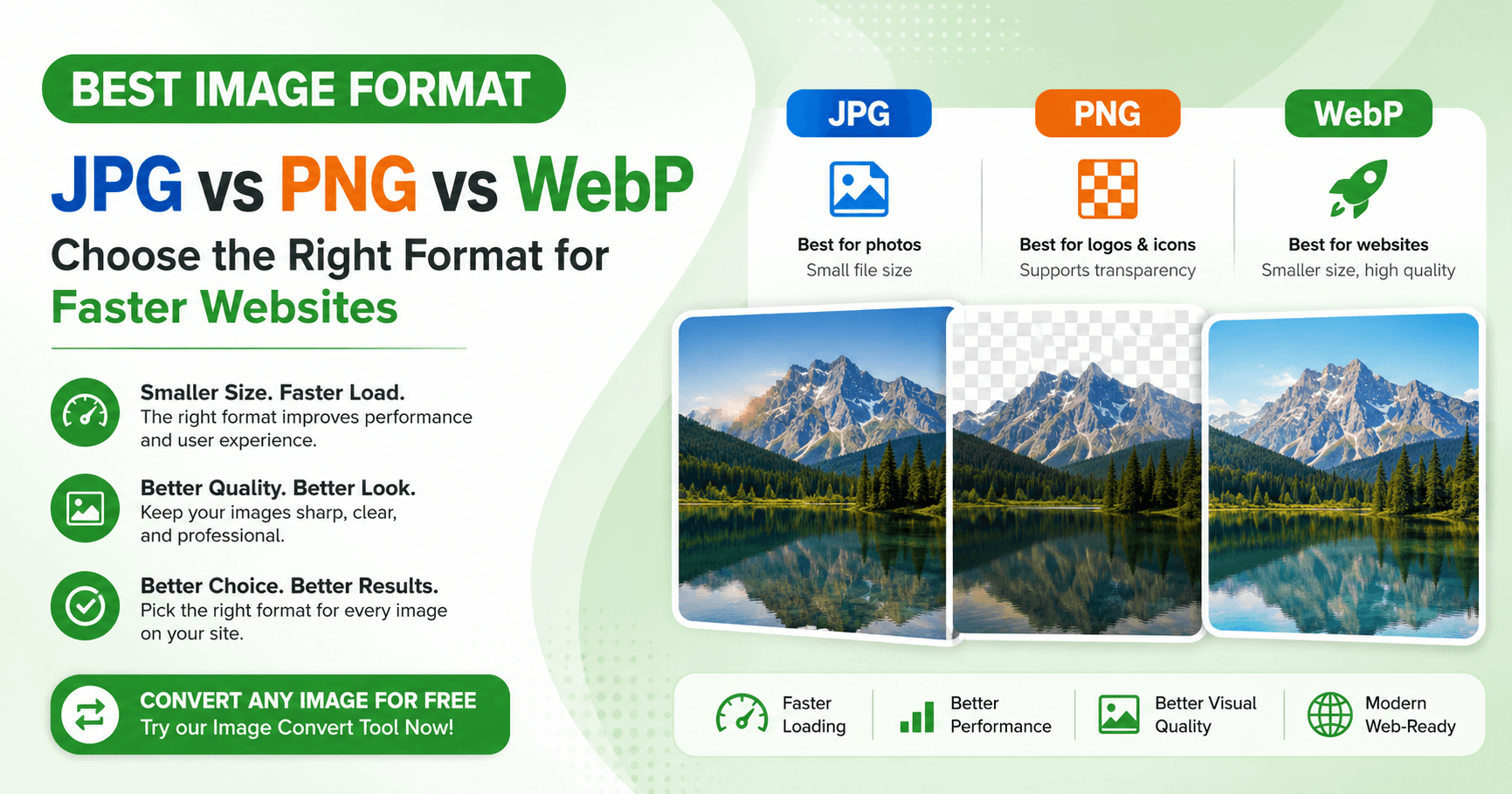
Choosing the wrong image format is one of the most common reasons websites load slowly. Here's how to pick the right one.
JPG (JPEG)
Best for photos and images with lots of color variation. Uses compression that slightly reduces quality but keeps file size small. Not great for images with sharp lines, text, or transparency.
PNG
Best for logos, icons, screenshots, and anything needing transparency. Produces larger file sizes than JPG since it's a lossless format.
WebP
A newer format that gives you PNG-like quality with JPG-like file sizes, supported by all modern browsers. This is usually the best choice for websites today.
Quick decision guide
- Photo for a blog or product page → JPG or WebP
- Logo or icon with transparent background → PNG or WebP
- Anything going on a website where speed matters → WebP
How to convert between formats
Use our Image Convert tool to switch any image between JPG, PNG, and WebP in seconds — just upload and download.
Try it now with our free Image Convert tool.
Ready to try it? Use the tool now →
Related articles